



Multiple stream access with one subscription
Multiple Stream Access
With one subscription, you can create up to three separate stream access for family and friends with personalized watch history and library.
Recommendations based on your taste
Televika is constantly scanning your watch history and recommends you new movies and series based on your taste.
Downloading and watching offline
You can download Televika movies and series on your mobile phone and laptop, making it easy to watch them offline at home or while you are on the go.
Televika Online Screening
On screen top movies
By one ticket
Unlimited stream for 8 hours
Are you familiar with 'Televika Glance'?
Select the fire icon on top of the homepage to enter.
Here, at a glance, you will see scenes from Televika movies and TV series.
By exploring 15-second scenes, you can find your favorite movie or TV series to watch.
Features on Televika
Skip Ads
Subtitles
Playback Quality
Audio Settings
Language
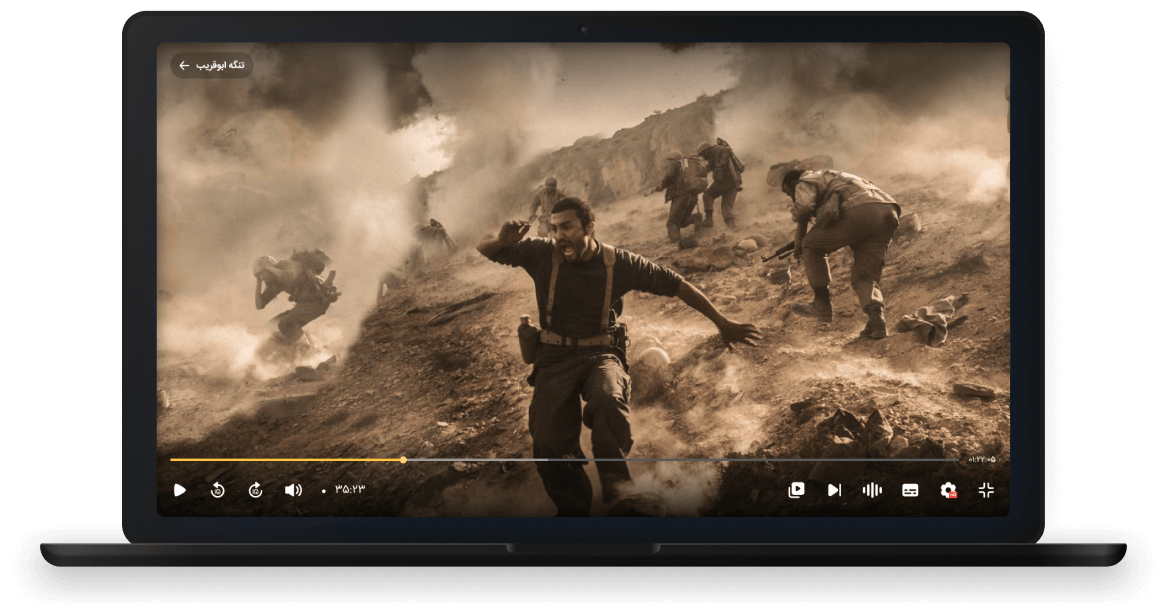
 Language
 Audio Settings
 Skip Ads
 Subtitles
 Playback Quality
Filters
Advanced Search
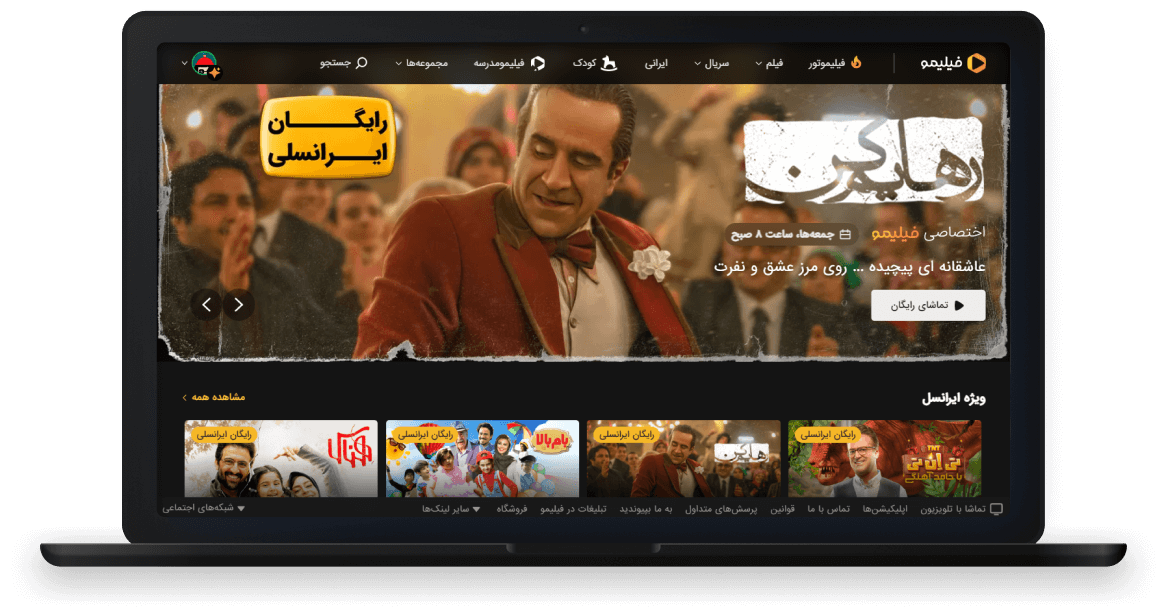
 Filters
 Advanced Search
Add to List
Like and Dislike
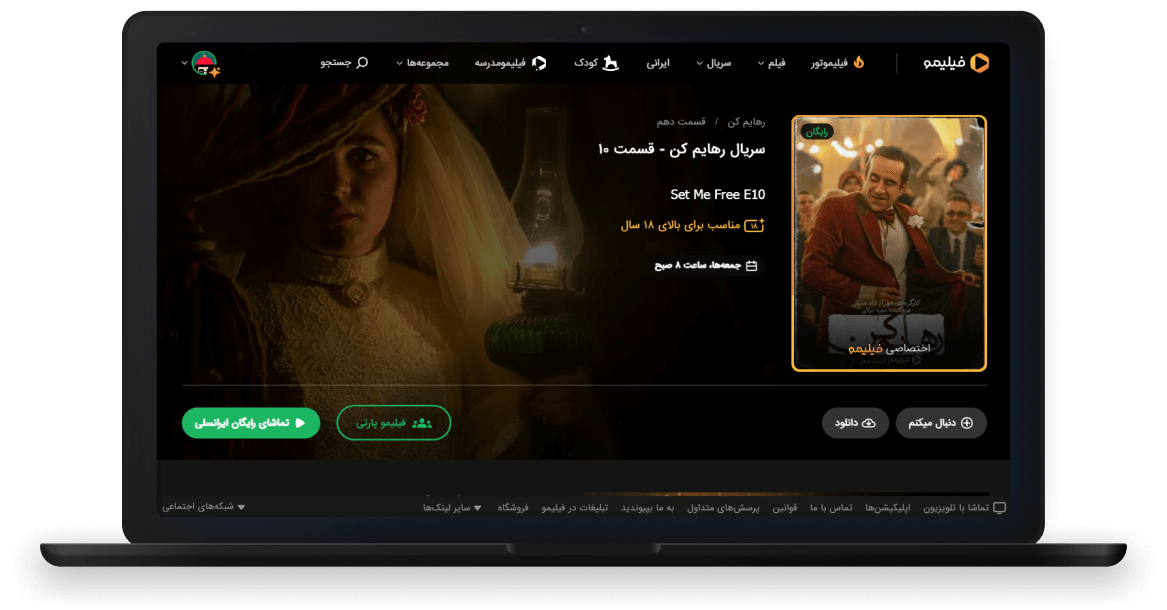
 Add to List
 Like and Dislike
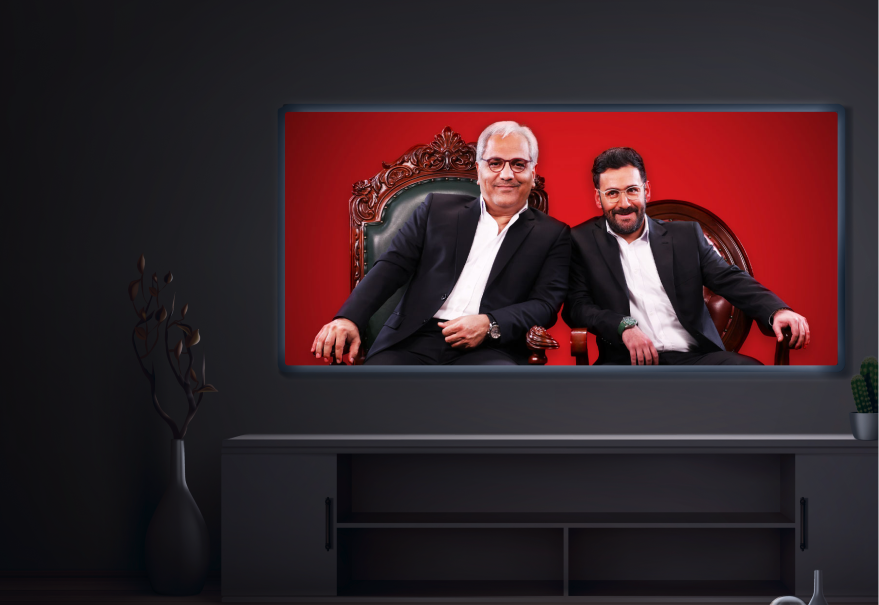






Televika for all

FAQs
1
How can I watch movies on screen on Televika?
You can conveniently access on screen movies by purchasing one online ticket and watching the film on Televika with your family within 8 hours.
2
How can I watch Televika on my television?
By exploring the tutorial videos available on Watch on TV you can find the video related to your TV and learn watching Televika on your device.
3
Can I cancel my Televika subscription at any time?
After purchasing a subscription, you have the option to cancel your subscription without being charged afterwards.